How to get the ingredient amounts from a YouTube cooking video
Cooking videos give their amounts fast: text on screen for a second, “two tablespoons” said over the sizzle. Pull Recipe reads a YouTube video from its link and writes every amount down, and it tells you where each one came from: seen on screen, heard out loud, or inferred when the video gives no figure.
Updated
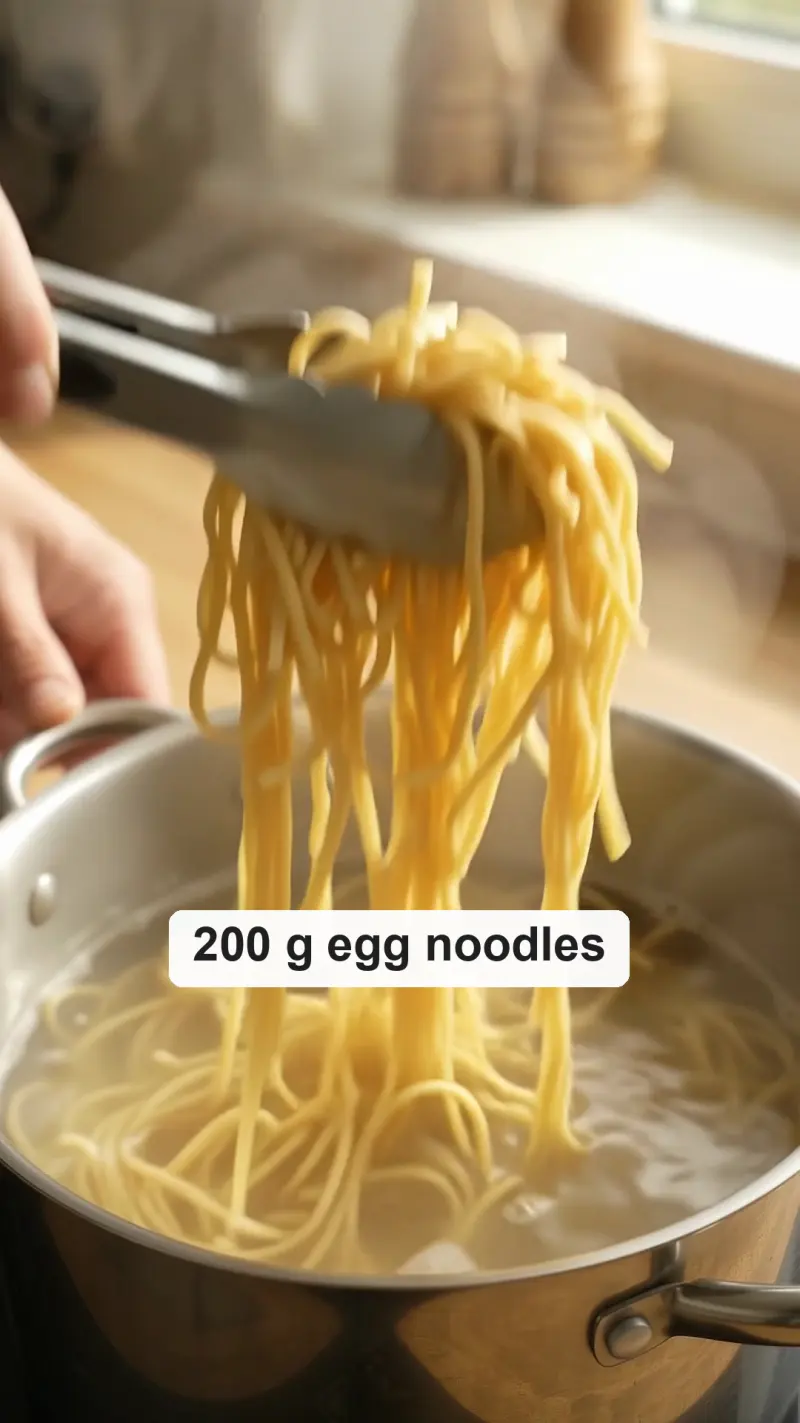 The video
What you need
A public YouTube link: a watch page (youtube.com/watch?v=…), a Short, or a youtu.be link, for a video up to 1 hour long. YouTube videos are read from their link; nothing is copied or kept.
A private or unlisted video can’t be read and ends with “Video is not public”. If it’s your own video, make it public, or add the video file instead. Your first 3 videos that give you a recipe are free.
Step by step
Paste the YouTube link
Copy the link from the address bar, or from Share under the video, paste it on Pull Recipe and press Pull recipe.
Wait while it watches
Google Gemini watches the frames and listens to the audio. A YouTube video needs no fetching, so it goes straight to watching. You can leave the page; the recipe shows up in your cookbook.
Read the mark on each amount
Each amount says where it came from: an eye for seen on screen, an ear for heard out loud, and the word inferred when the video doesn’t give a clear figure.
The card Pull Recipe wrote from the sample video at the top of this page. Open an inferred amount
Tap inferred to see why. When the screen and the voice disagree, as here, where the screen says 1 tbsp and the cook says about two spoons, you see both figures. The card keeps the on-screen one and never averages them.
Jump back to a step
In a recipe from YouTube, each step has a time. Tap it to open the video at that moment in a new tab, say, to see how glossy the sauce should get.
Fix a line if you know better
Press Edit and change the amount. The line then says edited by you, so your figure and the video’s never get mixed up.
What the marks on an amount mean
- Seen: the amount was on screen: text, a label, a measuring jug in view.
- Heard: the cook said it.
- Caption: the video didn’t give it, but the post’s caption or the video’s description did.
- Inferred: the video didn’t show or say it, or what it showed and what was said disagree. The figure is an estimate, or the on-screen one; check it.
Servings and time follow the same rule: if the video never states them, the card says Not stated.
The same marks for TikTok, Reels and video files
The marks work the same way on a TikTok, an Instagram Reel or a video file you add (up to 1 GB and 1 hour). Only steps from a YouTube video carry times that open the video. Get the recipe from a Reel.
Tips
- Videos with on-screen text or a spoken ingredient list give the most seen and heard amounts.
- A video that cooks “by eye” gives more inferred lines: treat them as a starting point.
- Save the card, then find it later by any ingredient (see how).
Try it on a video you saved
Paste its link. Your first 3 videos are free, and you don’t need an account to start.
Pull a recipe